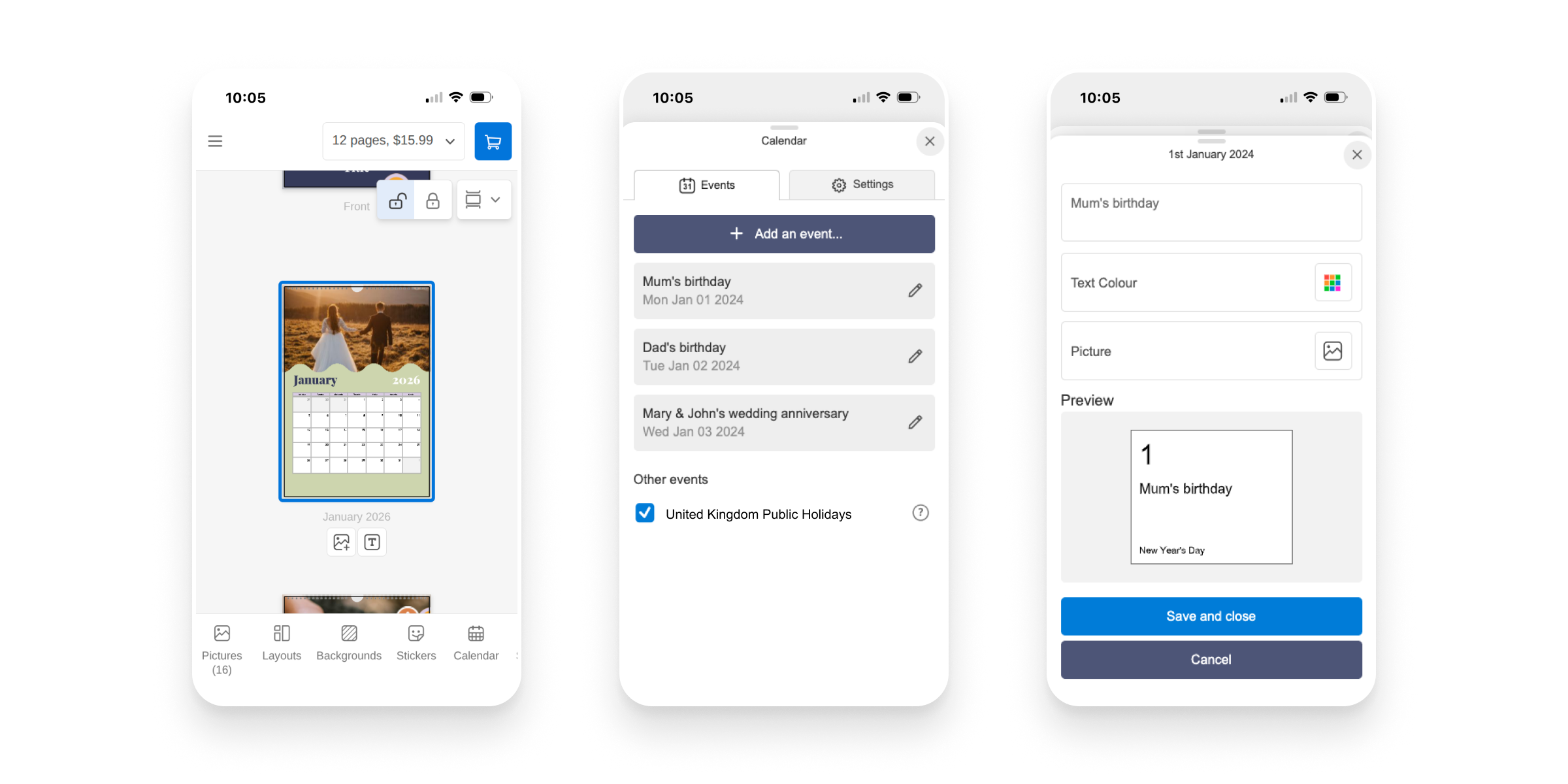
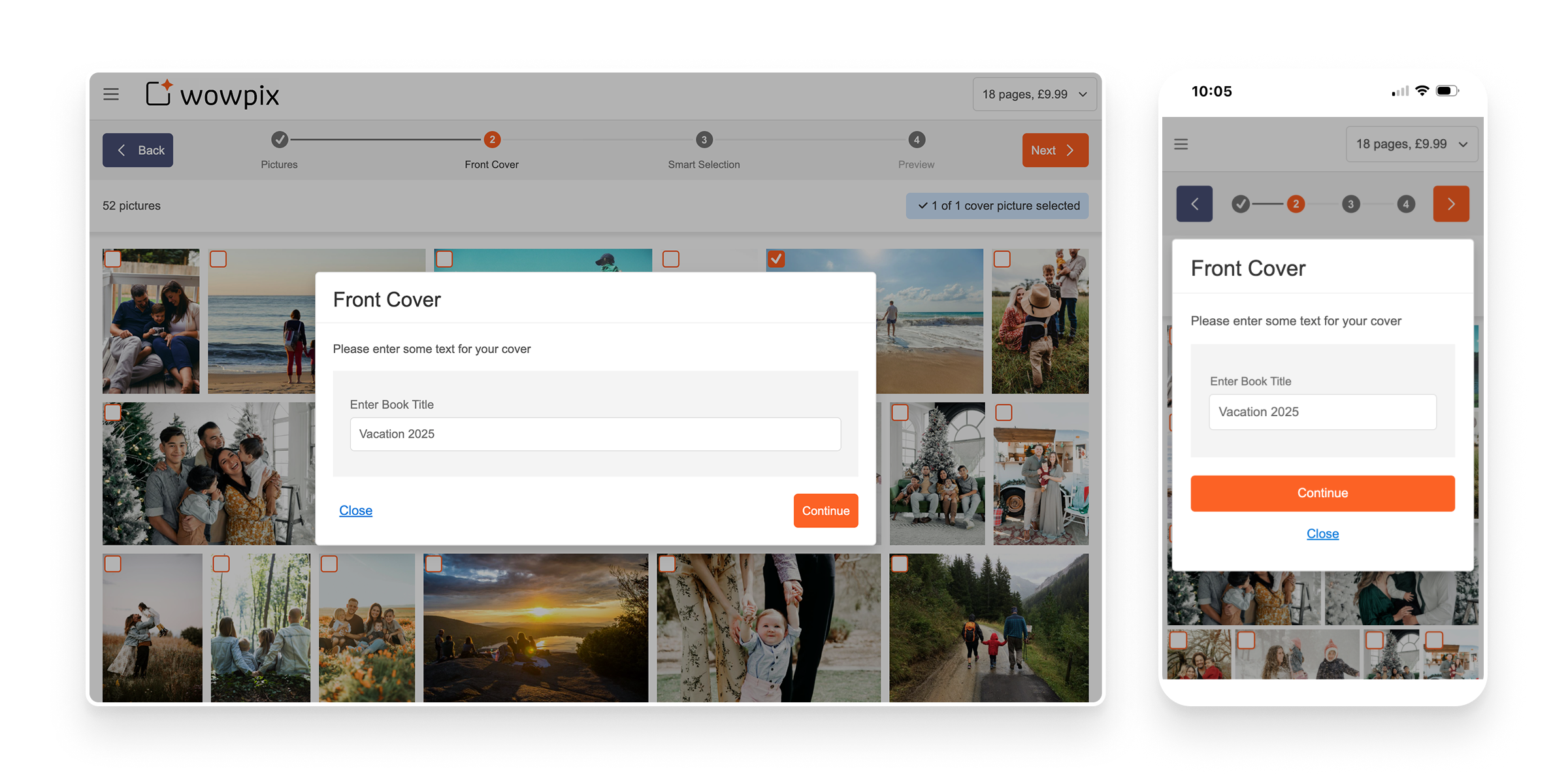
Taopix is a very well established white-label ecommerce platform for the online photo and personalised gift market. Primarily it comprises a suite of online and desktop creative editing tools and an e-commerce administration system, and is used to sell a wide range of products.
The web interfaces had become dated, lots of usability issues had been identified and the front end architecture was preventing a lot of vital development.
Platform-wide changes were needed to introduce a raft of new features and some entirely new customer experience concepts, and we needed to improve the conversion performance of the editing tools.
Details of commercial outcomes can be shared privately on request. These include significant new license deals, returning customers and an increase in revenue share income.
Head of Product Design


Here are some snapshots of where this design process needed careful consideration in order to avoid pitfalls later.
Rebuilding a system that is already in use carries a great deal of risk around ensuring continuation of service for its customers. Redesigning features that some customers absolutely rely on - even if they're not using those features as intended - presents a communication challenge at best, and commercial risks if we get it wrong.
The key to this is visibility and openness: Always sharing research that pointed to a necessary change, concieving solutions collaboratively with stakeholders and testing prototypes with customers and end users.
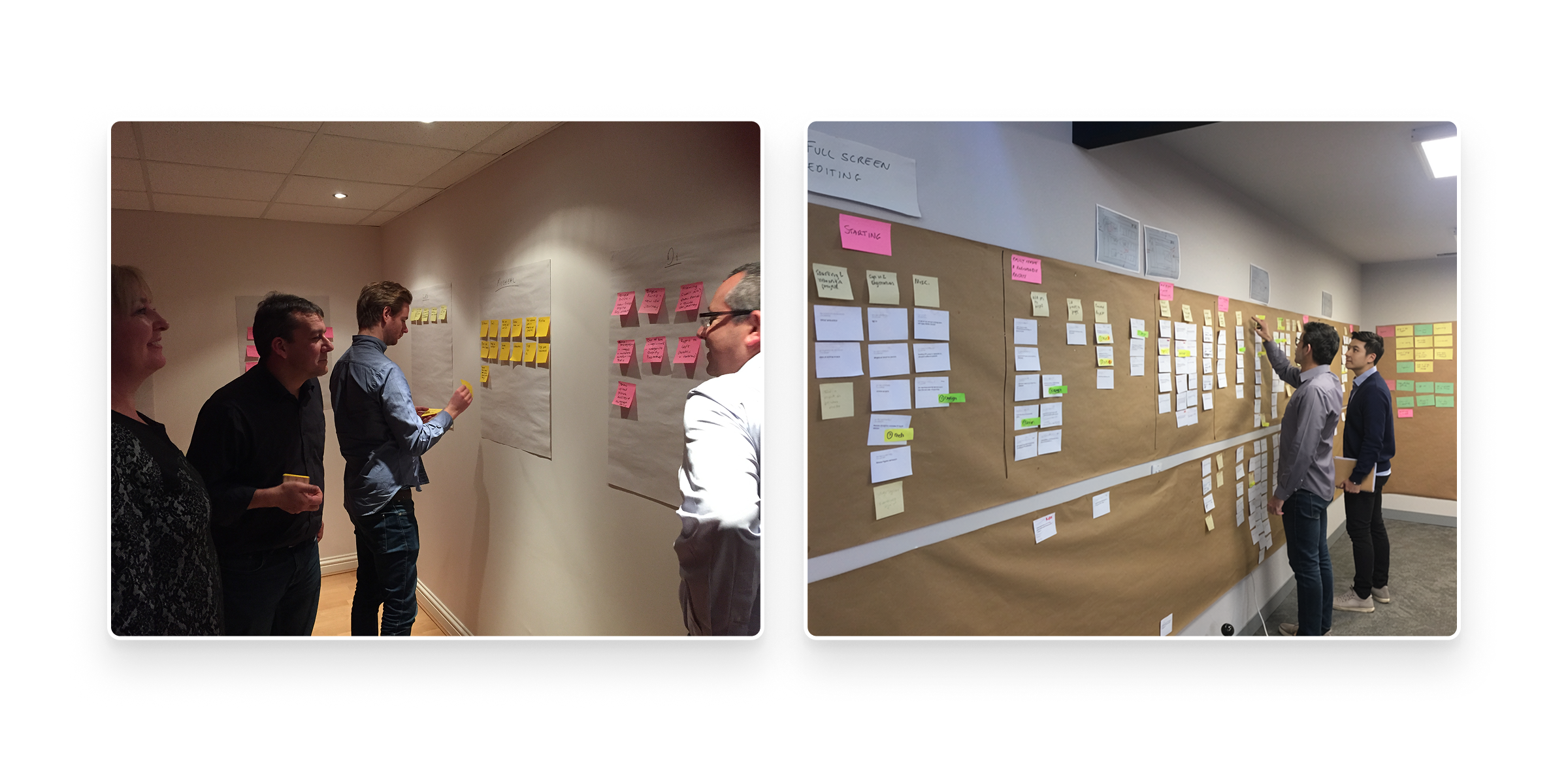
Taopix is such a large platform that a major part of the challenge of recreating it was ensuring we understood the existing features and functionality, and importantly, how our customers used it.
After compiling a data set of all of features, requests and roadmap items and use cases, we ran cross-functional team sessions to categorise and prioritise them, using people's various perspectives to determine their value. We then turned them into user stories/goals so that we could start again with UX design and potentially design new features to meet those goals.
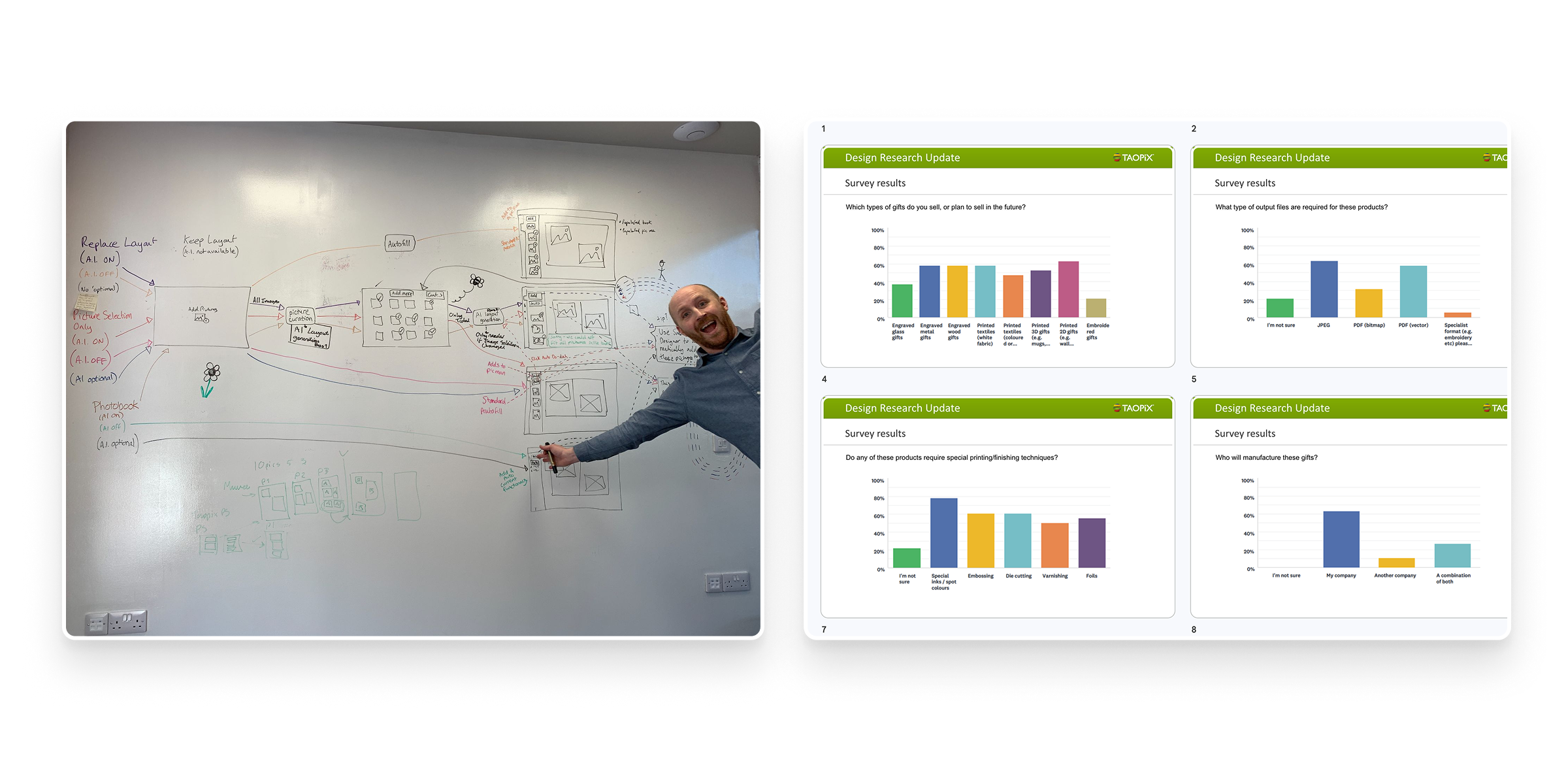
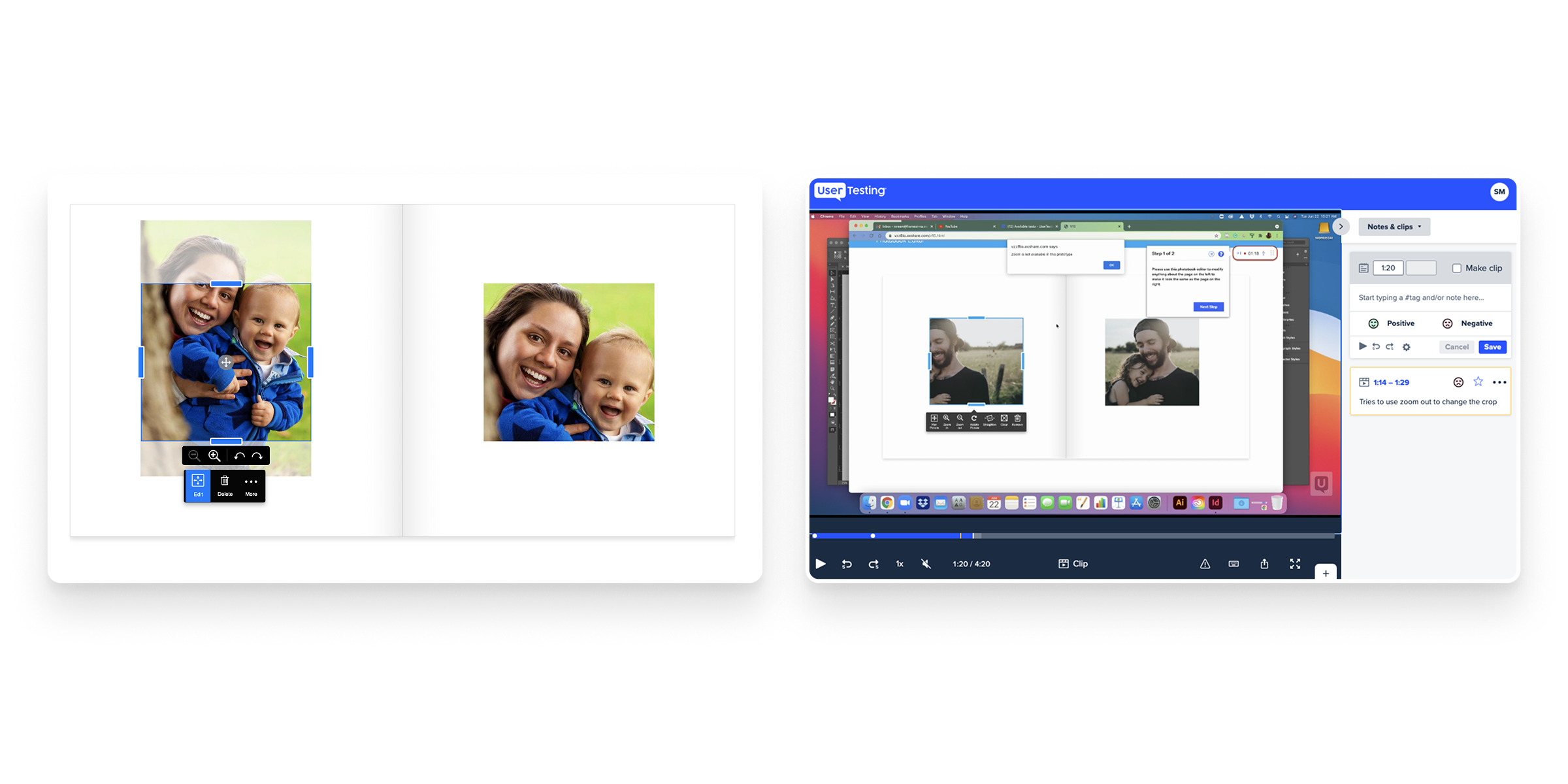
With some major usability and interactivity issues identified around Taopix' core page layout technology, there were some big engineering challenges in this project. We needed high confidence that the design solutions were right before investing in lots of engineering time.
The design team worked closely with engineering right from ideation, through prototyping to front end build. Highly interactive prototypes and usability testing were critical to this process and we needed to continuously share the output of this to keep people on board with the reasoning behind the design of these high-impact, complex features.
A specific objective of this project was to introduce the ability for customers to configure the features of their purchase workflows as well as customise the aesthetics of the UIs across roughly half a dozen interfaces. We also only had a small front-end team, where knowledge of UI design, CSS and accessibility standards was limited.
My solution was to create a Design System - a library of React/Typescript components, goverened centrally and wrapped in a set of design and usage principles to help ensure a consistent experience and appearance.
The Halide Design system was created as a brand-neutral, highly accessible design system that has now become the backbone of the platform's UI.

Below are a few examples of the interfaces from the live product.